
No-Code Calculator Builders: Templates, Branding and Integrations Compared
“No-code calculator builder” sounds like a single category. In practice, it’s four different tool types wearing the same label:
- Dedicated calculator builders (calculator-first UX, built to embed on websites)
- Interactive marketing platforms (calculators + quizzes + recommendations, campaign analytics)
- Form builders with calculation widgets (forms first, math second)
- Custom dev (not no-code, but often the baseline you’re replacing)
This article compares no-code options through the three lenses that decide real outcomes in 2026:
- Templates: how fast you can launch something that looks and reads “ready”
- Branding: whether it feels native to your site and trustworthy to visitors
- Integrations: how cleanly the data reaches your workflow (CRM, email, spreadsheets, notifications)
The 90-second buyer model: pick your “dominant constraint”
Most teams think they’re choosing features. They’re actually choosing constraints. Decide which constraint matters most:
Constraint A: “We must launch this week.”
Templates and time-to-publish matter more than maximum flexibility.
Constraint B: “This must look like our brand.”
Branding control and embed cleanliness matter more than the number of widgets.
Constraint C: “Data must flow reliably into our systems.”
Integrations and routing matter more than design polish.
Once you know your constraint, the “best tool” usually becomes obvious.
The mapping, spelled out:
Constraint | Pick | Reason |
A — Launch this week | Calconic or uCalc | Both publish in under an hour from a template; no campaign scaffolding to strip |
B — Must match brand | uCalc or Calconic | Embed-first, full style control, no platform chrome bleeding through |
C — Data must hit systems | Outgrow | Native HubSpot, Salesforce, Marketo — passes calculated values as CRM properties, not just form fields |
C — But budget is limited | uCalc + Zapier | Covers most CRM routing at a fraction of Outgrow’s cost |
Internal workflow | Jotform | Operational routing, document generation, approval flows — form ecosystem built for this |
Comparison grid (what’s different under the hood)
Tool | Type | Template speed | Branding control | Integration depth | Free entry | Paid from |
uCalc | Dedicated calculator builder | High — 100+ templates | High — full style control | Medium-High — Sheets, Zapier, Telegram, webhooks | Free tier (submission cap) | ~$9/month |
Calconic | Dedicated calculator builder | High — 60+ templates | High — pixel-level layout | Medium — email, Zapier, Shopify | 14-day trial → free plan | ~$12/month |
Outgrow | Interactive marketing platform | High — campaign-oriented | Medium-High — brandable, platform-shaped | High — native HubSpot, Salesforce, Marketo | Free (very limited) | ~$22/month |
Jotform | Form builder with calculation widgets | Medium — form templates + added math | Medium — form-first aesthetic | High — 100+ app integrations | Free (100 responses/mo) | ~$34/month |
This is why “feature lists” mislead — each category optimizes for a different job.
Lens 1: Templates – speed vs. specificity
What templates really do
Templates don’t just save time. They also provide structure: the order of questions, how results are phrased, and where the lead form appears. That structure can impact conversion more than the math.
Calconic – Template-First Speed Calculator
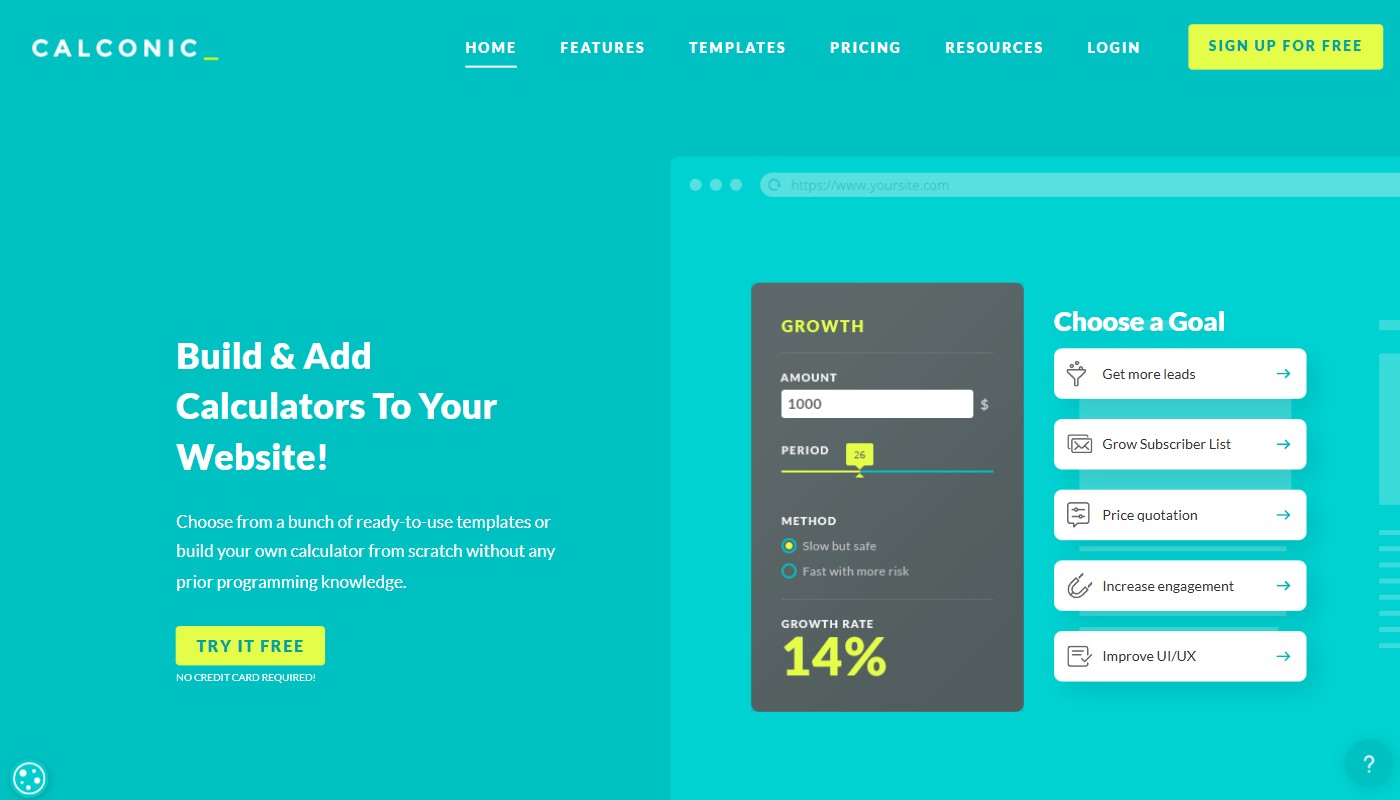
Calconic’s library covers 60+ starting points organized by use case: construction quotes, cleaning service pricing, mortgage repayment, SaaS subscription configurators, fitness calculators, and more. Each template comes pre-wired with the correct input sequence, result display logic, and lead capture field placement. The structure that actually affects conversion — question order, result framing, gate position — is already solved. You’re adjusting labels and formula values, not making architectural decisions under deadline pressure.
Conditional logic covers most standard pricing scenarios: tiered pricing, add-on combinations, quantity-based scaling. The ceiling shows up with deeply nested multi-variable formulas — if the math is genuinely complex, test it during the 14-day trial before committing. The trial unlocks premium features; when it ends, the free plan remains functional but caps responses and limits integrations.
Best fit: when you want to publish quickly from a proven pattern and iterate from a working baseline rather than a blank canvas.
uCalc – No-Code Calculator Builder for Websites
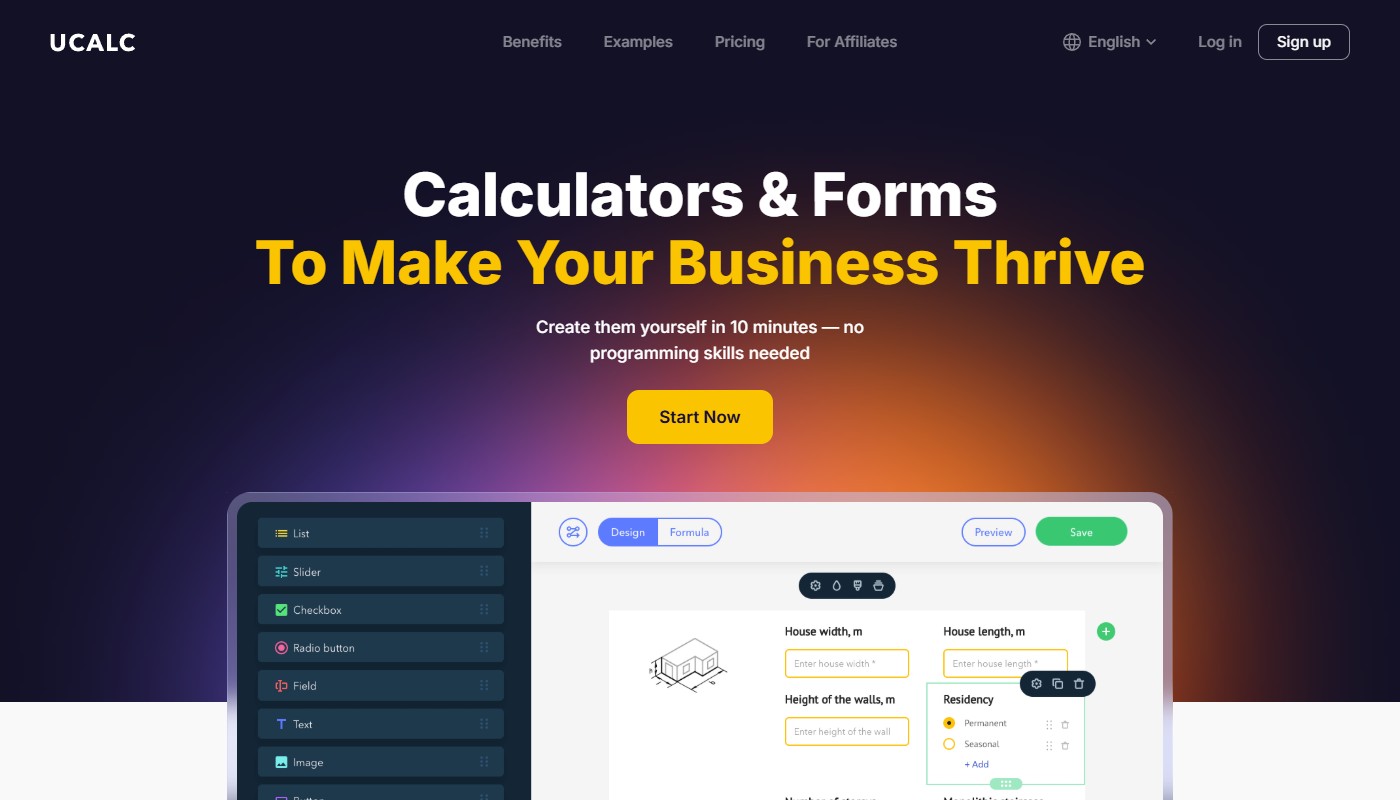
uCalc’s 100+ templates span real estate, fitness, food service, event planning, legal, and financial services. The distinction from Calconic is orientation: templates are built around business-specific pricing logic — service tiers, add-on combinations, conditional rules — rather than generic calculation patterns. If your pricing has rules like “fee increases after 3 units, add 20% for same-day requests,” the visual formula builder handles that natively through a node system where field values connect to outputs without spreadsheet syntax.
The element palette covers: range sliders, number inputs, dropdowns, radio buttons, checkboxes, image selectors, date pickers, and result display fields. Conditional visibility — showing or hiding fields based on prior selections — is available on paid plans. The lead capture layer lets you position an email field before the result (“enter details to see your estimate”) or after it (“save your results”), with every submission tagged with the full input context, not just the contact info.
Best fit: when your pricing or quote logic is specific enough that generic templates would need significant rework anyway.
Outgrow – Templates for Campaign Experiences
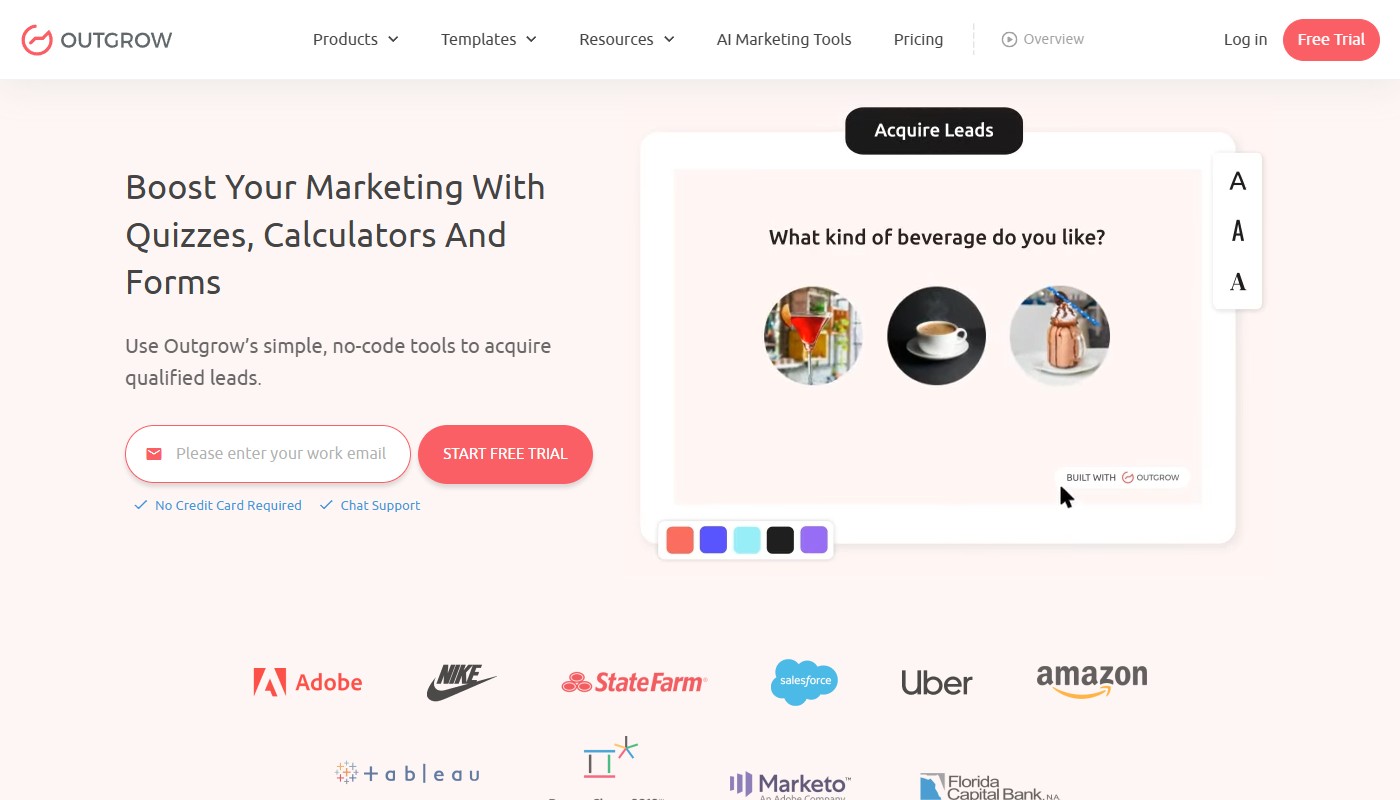
Outgrow’s templates are structured around marketing outcomes, not calculator types: “ROI calculator for B2B SaaS,” “lead generation quiz,” “product recommendation engine,” “service qualification assessment.” Each template assumes a campaign mindset — outcome branching, multi-segment result screens, and email gate placement optimized for conversion rather than clean answer display.
This makes Outgrow templates faster for demand gen and slower for simple embedded estimators. A 3-field pricing widget that sits in a page sidebar will require more stripping of campaign scaffolding than just building from scratch in uCalc or Calconic. Where Outgrow earns back that overhead: A/B testing between calculator variants is built into the platform — different question sequences, different result framing, different CTA copy — with traffic split and conversion reporting handled automatically.
Best fit: when the “calculator” is a lead magnet campaign asset that needs outcome segmentation, scoring, and measurable performance across variants.
Jotform – Forms and Calculators Builder
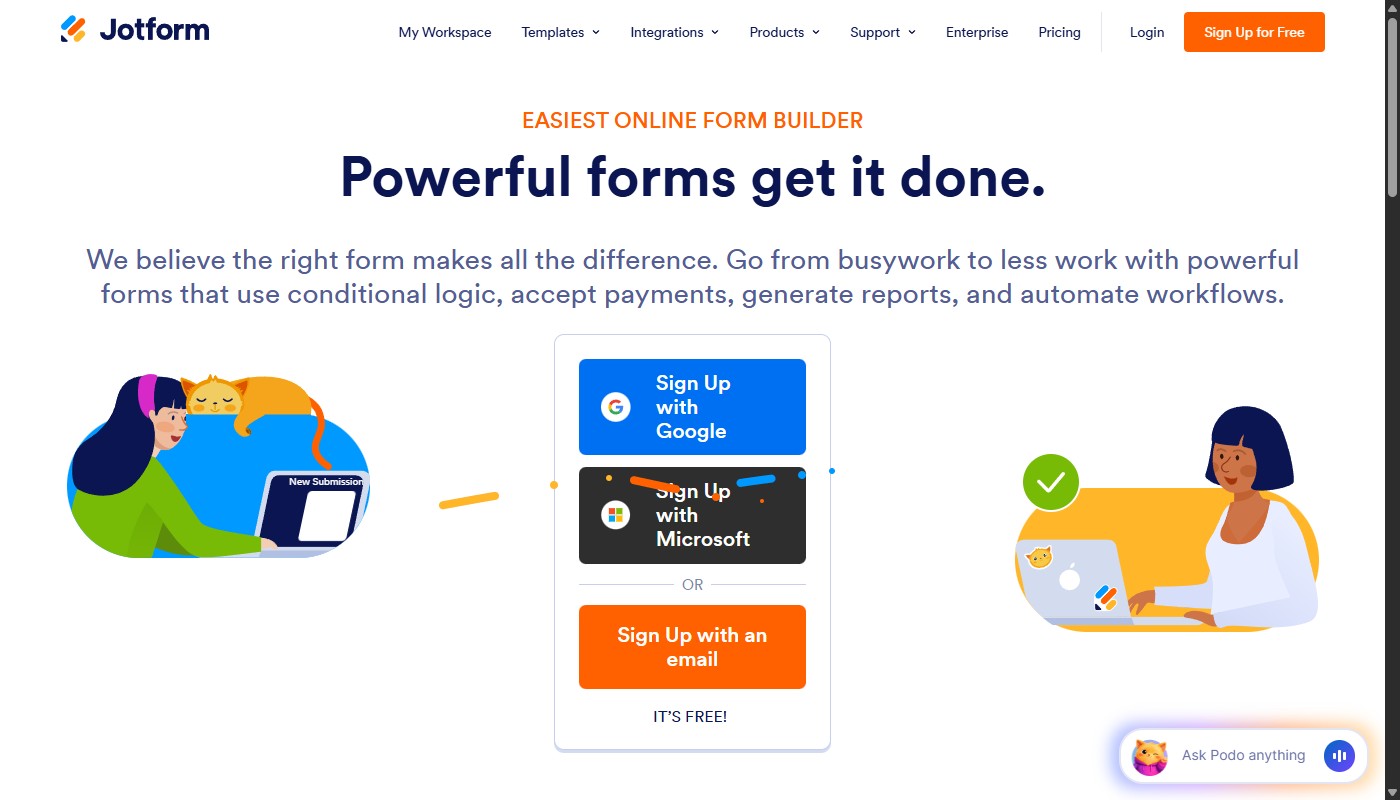
Jotform’s calculation layer sits inside its form builder — you start from a form template and add pricing fields, conditional logic, and running total displays as form elements. The template library is large (10,000+ form templates), but the calculator experience is a function of form structure, not a standalone product. Visitors who arrive expecting a live-updating estimator with sliders and instant results will get a form with a total at the bottom.
For use cases where that’s appropriate — internal order requests, structured client intake, invoice-style interactions — the form familiarity is neutral or helpful. The audience already expects to fill out a form. For marketing landing pages where the interactive experience itself is the conversion hook, Jotform is the wrong starting point.
Best fit: when the interaction is operationally a form that computes a total, and the audience is already in a form-completion mindset.
Lens 2: Branding – trust is a conversion feature
Branding isn’t “nice to have.” For pricing and quote calculators, it’s directly tied to trust: users won’t submit budget/size inputs into something that looks foreign or clunky.
uCalc and Calconic: embedding as brand control
Both platforms render inside your page layout using your styles — no URL change, no iframe border, no visual break that signals “you are now inside a third-party tool.” That’s the baseline. The difference is in how far the style controls reach.
uCalc lets you configure: background color, font family and size, button shape and color, border radius on inputs, spacing between elements, and result field formatting. Mobile-specific element heights are adjustable independently from desktop — which matters for slider usability on small screens where default tap targets are too narrow.
Calconic goes further on layout: section-level background control, per-element padding adjustment, and responsive breakpoint preview inside the editor. If the calculator sits next to carefully art-directed content and every pixel matters, Calconic’s granularity is the closer match. Both support custom CSS injection on paid plans for cases where the visual editor doesn’t reach far enough.
The practical test: paste the embed on your most brand-sensitive page and show it to someone who didn’t build it. If they ask “is this a third-party widget?”, the branding work isn’t done.
Outgrow: brandable, but platform-shaped
Outgrow supports logo replacement, custom color schemes, and branding removal on higher-tier plans. The output is brandable. What’s harder to eliminate is the platform’s structural fingerprint — how multi-step flows transition between screens, how the result page is laid out, how the share/embed pattern behaves — which tends to read as “campaign asset” to experienced eyes even after visual customization.
This isn’t a flaw for the target use case. An Outgrow lead magnet deployed as a standalone page or pop-up campaign doesn’t need to feel native to the site — it needs to convert. The limitation surfaces when the calculator needs to sit inside an existing product page and pass as a native element built by the same team that built the rest of the page.
The practical test: does the deployed experience feel like your website, or like a marketing module your visitors are being sent into?
Jotform: familiar form UX
Jotform’s theming covers colors, logo, background, and font. What it doesn’t touch is the interaction pattern itself — multi-step transitions, input focus behavior, and result display all follow Jotform’s form conventions. For audiences filling out a structured intake (internal teams, procurement, client requests), that familiarity is neutral or positive. For audiences on a marketing page expecting live-updating sliders and a personalized output, it underdelivers on the experience that makes interactive content convert.
Lens 3: Integrations – where the lead goes after the math
A lead-gen calculator is only valuable if the data reaches the right place, reliably.
Outgrow: integration-heavy by design
Outgrow connects natively to HubSpot, Salesforce, Marketo, Pardot, ActiveCampaign, and Mailchimp — through official direct integrations that pass calculated output values as contact properties, not just name/email. A prospect who uses your ROI calculator and arrives at a $180,000 figure has that number stored in HubSpot against their contact record before the lead notification fires. Sales context is built before anyone picks up the phone.
Outgrow also emits behavioral events (step completed, result viewed, form submitted) that enable CRM audience segmentation based on engagement depth, not just conversion. Zapier is available as a fallback for integrations not covered natively.
uCalc: practical website lead capture + continuation
uCalc routes submissions to Google Sheets, Mailchimp, GetResponse, Telegram bots, and any CRM reachable via Zapier. Webhook support is available on higher plans for teams that want direct server-to-server delivery without middleware. Every submission passes input values alongside contact data — the routing layer receives what the user calculated, not just their email address.
The Telegram integration is worth calling out specifically: for businesses running customer communication through messenger channels, real-time bot notifications that include calculator input data eliminate a manual follow-up step. The tiered plan structure (Basic/Standard/Pro) means integration depth scales with the subscription — a team starting on the free tier can expand routing as the calculator proves its value.
Practical limit: no native direct integration with Salesforce or HubSpot without Zapier. For teams where CRM property fidelity is a hard requirement, add Zapier to the cost model.
Calconic: lead-gen focus with measurable limits
Calconic’s native integrations cover email notifications, Google Analytics event tracking, Zapier, and direct Shopify/WooCommerce connections. The Shopify integration is the standout: a product configurator can push a calculated price directly into the cart without a redirect to a separate checkout page — useful for variable-price products or service packages assembled from selectable options.
For teams whose integration requirement is “capture email, log to sheet, notify Slack,” Calconic handles that through Zapier without needing a higher plan tier. The plan limits worth checking before deployment: impressions and email notification caps vary by tier, and a calculator embedded on a high-traffic SEO page can exhaust a lower plan faster than expected.
Jotform: operational workflow strength
Jotform’s integration ecosystem covers 100+ direct app connections: Google Drive, Dropbox, Salesforce, HubSpot, Slack, Trello, and payment processors including Stripe and PayPal. The model is form-submission-triggered workflow — a completed form with calculated totals fires a sequence: CRM record creation, internal notification, document generation, approval routing. For internal tools and structured client intake, this depth is the right fit.
For marketing-facing lead capture, the same ecosystem can feel over-engineered. “Capture email, pass to campaign sequence, tag by calculated value” is three Jotform integration steps that uCalc or Outgrow handle in one native action.
Decision shortcuts (use these, not long demos)
Choose uCalc if the calculator lives permanently on your site — pricing page, service page, SEO article — your integration requirement is Google Sheets or a Zapier-connected CRM, and you want the lowest cost-per-calculator in the dedicated builder category.
Choose Calconic if visual precision is the hard constraint: the calculator sits next to design-heavy content and needs to match at pixel level, or you’re building a product configurator for a Shopify store that needs to push directly to cart.
Choose Outgrow if the calculator is part of a demand generation program, you need calculated values to arrive in HubSpot or Salesforce as native contact properties, and you want A/B testing across calculator variants without custom instrumentation.
Choose Jotform if the “calculator” is operationally a form — it computes totals, routes internally, generates documents — and the audience is already in a form-completion mindset.
The constraint mapping, closed:
- Constraint A (launch this week) → Calconic or uCalc
- Constraint B (must match brand) → uCalc or Calconic; Calconic wins on fine layout control
- Constraint C (data must hit systems) → Outgrow for CRM-native; uCalc + Zapier for everything else; Jotform for operational routing
If two constraints apply simultaneously, the tiebreaker is budget. Calconic and uCalc are the affordable defaults. Outgrow is justified when CRM data quality directly affects sales velocity on high-value deals — the cost-per-qualified-lead math holds up when the deal size does.
